Building a Custom Scalping Dashboard: A Step-by-Step Guide to Integrating Advanced Tools and Indicators
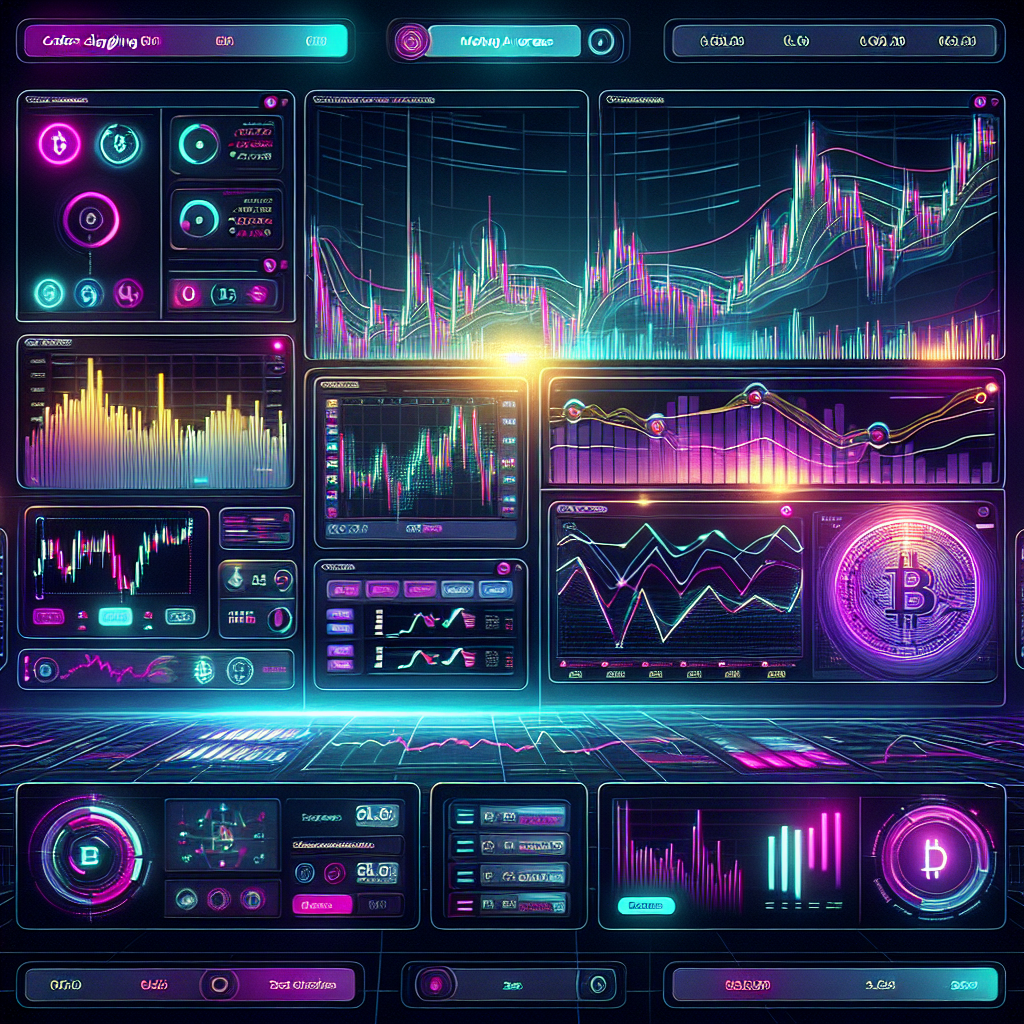
In the fast-paced world of crypto scalping, having a robust and personalized dashboard can significantly enhance your trading efficiency. Experienced traders know that the right combination of tools and indicators can make the difference between profit and loss. This guide will walk you through the process of building a custom scalping dashboard tailored to your trading style, utilizing advanced tools that can provide a competitive edge.
Step 1: Choose Your Trading Platform
The first step in crafting your custom dashboard is selecting a trading platform that supports advanced integrations. Platforms like TradingView and TrendSpider offer extensive charting capabilities and the ability to implement automated trading strategies. By utilizing these platforms, you can visualize real-time data and set up alerts for critical price movements. Moreover, consider integrating TradersPost, which allows for automated trading across various asset classes including stocks, crypto, options, and futures. With its seamless compatibility with TradingView and TrendSpider, you can streamline your strategies effortlessly. Explore TradersPost at TradersPost.io for more insights on automating your trading strategies.
Step 2: Select Key Indicators
Next, determine which technical indicators align with your scalping strategy. Common choices among seasoned scalpers include:
- Moving Averages (MA): Use short-term moving averages like the 5-period and 20-period to identify trends.
- Relative Strength Index (RSI): This momentum oscillator can help you gauge overbought or oversold conditions.
- Bollinger Bands: These can provide insight into volatility and potential price reversals.
Integrate these indicators into your dashboard to facilitate quick decision-making.
Step 3: Set Up Real-Time Data Feeds
Having access to real-time data is crucial for effective scalping. Ensure your dashboard pulls live price feeds and order book data. This allows you to react instantly to market changes. Utilize APIs from your trading platform to integrate live data streams into your dashboard. Services like TradingView can provide this functionality, allowing you to view multiple assets and exchanges in one place.
Step 4: Implement Risk Management Tools
Risk management is the backbone of successful trading. Incorporate tools that allow you to set stop-loss and take-profit levels directly on your dashboard. This automation minimizes emotional decision-making and helps you stick to your trading plan. Additionally, consider adding a position size calculator to ensure you’re trading within your risk tolerance.
Step 5: Customize Alerts and Notifications
Set up alerts for key price levels, indicator signals, or news events that could impact your trades. Custom notifications can be sent to your mobile device or email, ensuring you never miss a critical trading opportunity. This feature is particularly useful in the volatile crypto market, where prices can change rapidly.
Step 6: Backtest Your Setup
Before diving into live trading, backtest your dashboard setup using historical data. This process allows you to refine your indicators and adjust your strategies based on past performance. Utilize the backtesting features in TradingView or TrendSpider to analyze how your chosen indicators would have performed under various market conditions.
Conclusion
Building a custom scalping dashboard is an iterative process that demands attention to detail and a clear understanding of your trading strategy. By integrating advanced tools and indicators, you can enhance your trading efficiency and responsiveness. Don’t overlook the power of automation; platforms like TradersPost provide valuable resources to streamline your trading process across multiple asset classes. Equip yourself with the right tools, and watch your scalping strategy reach new heights. Happy trading!